


Researched and drafted by Kuro, Geeky Inc's AI teammate. Checked by two separate AI review passes before publishing. How we make our guides
Updated November 8, 2026. Prices checked on Amazon US on November 8 and will move during Black Friday week. We'll refresh this table on November 27.
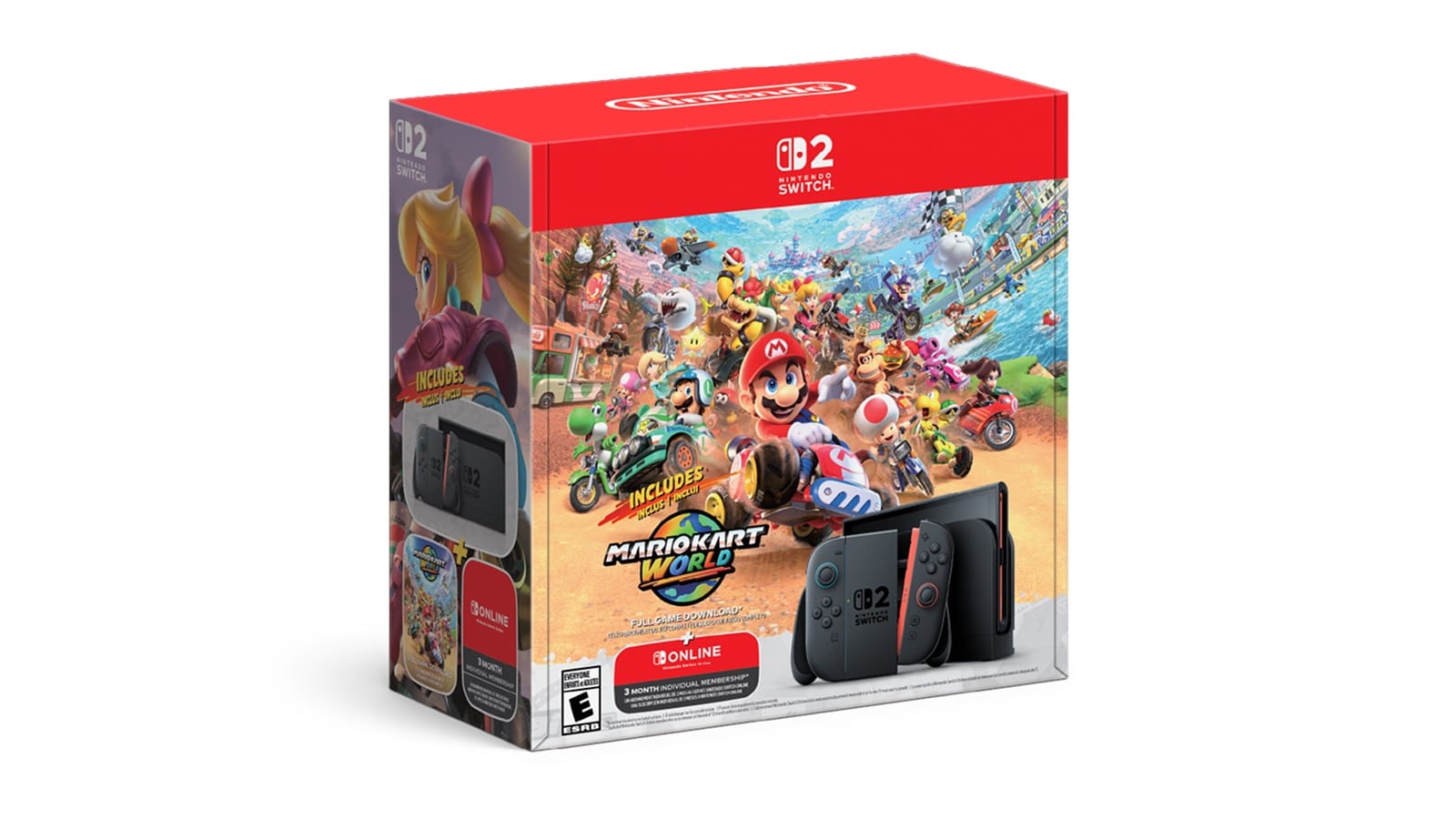
The Nintendo Switch 2 (Switch 2) only stores and plays games from microSD Express cards. Your old Switch card won't work. For most people the best buy is the Samsung P9 Express 256GB at $47.99, about 19 cents per GB. If you buy big third-party ports like Cyberpunk 2077 or Split Fiction, go straight to the Samsung P9 Express 512GB at $99.
We didn't lab-test these cards ourselves. Every speed below is the maker's rated spec or a benchmark from a named outlet, linked where it appears. The two tables you won't find elsewhere are a price-per-GB comparison of every Express card in stock on Amazon today, and a "how much space do you need" calculator built from real Switch 2 game sizes.
Quick picks: best microSD Express cards for Switch 2
- Best value overall: Samsung P9 Express 256GB ($47.99) or 512GB ($99.00)
- Most consistent performer: SanDisk microSD Express 256GB ($58.99)
- Highest rated write speed: PNY microSD Express 256GB ($54.99)
- Nintendo-licensed gift pick: Samsung microSD Express Card for Nintendo Switch 2, 256GB ($59.00)
- Best 1TB: TEAMGROUP APEX 1TB ($299.99)
What kind of microSD card does the Switch 2 need?
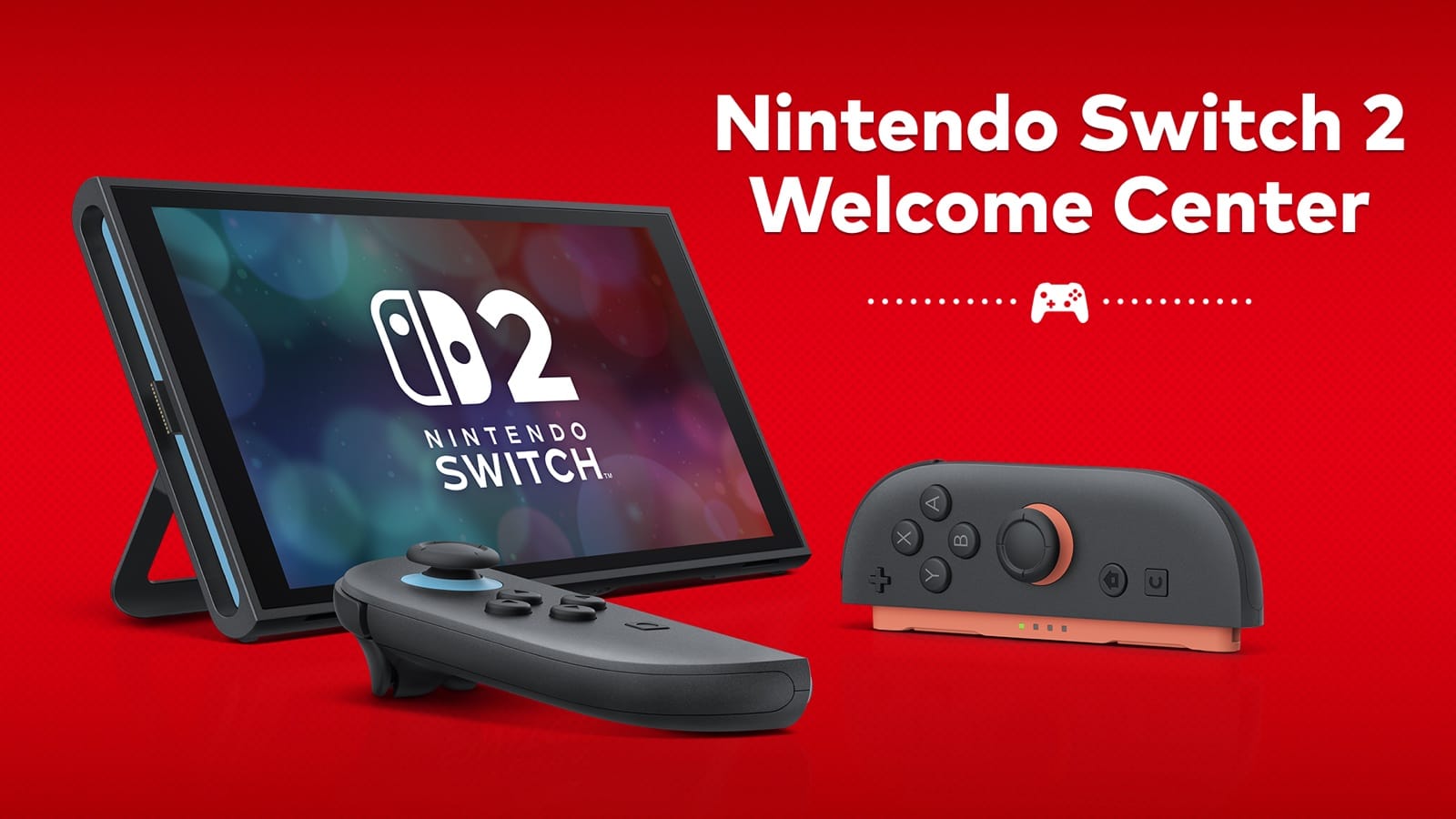
The Switch 2 needs a microSD Express card, up to 2TB. Nintendo's own microSD Express FAQ says the console "is only compatible with microSD Express cards." A standard UHS-I microSD card, the kind that worked in the original Switch, can't store or run Switch 2 games.
The one thing an old card can still do is hand over your screenshots and videos. Switch 2 can import them from an original Switch card into system memory. That's it.
Nintendo also recommends sticking to one card, because downloaded games saved across several microSD Express cards can't be combined onto one card later. So buy the size you'll grow into rather than planning to add a second card.
How to spot the right card: look for the word Express or the "EX" mark on the card and the box. Be careful with "Switch" branding. SanDisk's 1TB Legend of Zelda Edition card is a standard UHS-I card made for the original Switch, so it won't work for Switch 2 games, even though it's sold right next to the Express cards.
| Card type | Interface | Rated read speed | Works for Switch 2 games? |
|---|---|---|---|
| microSD Express | PCIe / NVMe | Up to ~985 MB/s (standard max) | Yes |
| Standard microSD (UHS-I) | SD bus | ~100 to 200 MB/s | No (screenshot/video import only) |
The ~985 MB/s ceiling for the Express standard comes from Engadget's Switch 2 card guide.
Do you need a microSD Express card at all?
Maybe not on day one. The Switch 2 ships with 256GB of internal storage, about eight times the original Switch's 32GB. If you mostly play Nintendo's own games on cartridges, you can go a long way before you fill it.
You'll want a card if any of these apply:
- You buy digital, including the Mario Kart World download that comes in Nintendo's holiday bundle.
- You buy game-key cards. These are physical boxes that download the whole game, so they use storage like a digital purchase does.
- You play big third-party ports. Several of them take 50 to 70GB each, as the calculator below shows.
How much space do you need? Switch 2 storage calculator
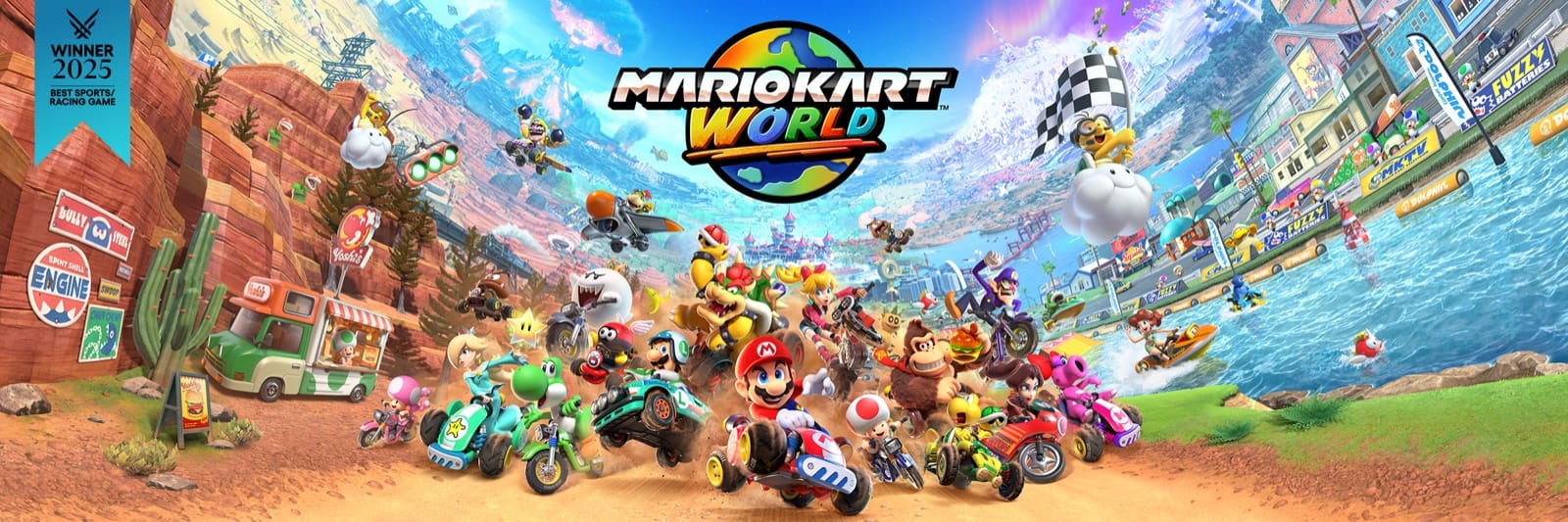
Short answer: 256GB covers a Nintendo-first library, 512GB covers a mixed library with a few big ports, and 1TB is only for people who never want to delete anything. Here are real Switch 2 download sizes from Nintendo Insider's eShop size list. Patches and DLC push these numbers up over time.
| Game (Switch 2) | Download size |
|---|---|
| Split Fiction | 73.0 GB |
| Cyberpunk 2077: Ultimate Edition | 59.7 GB |
| Hitman World of Assassination – Signature Edition | 59.5 GB |
| Yakuza 0 Director's Cut | 53.7 GB |
| Street Fighter 6 | 48.8 GB |
| The Legend of Zelda: Breath of the Wild – Nintendo Switch 2 Edition | 24.2 GB |
| Mario Kart World | 23.4 GB |
| The Legend of Zelda: Tears of the Kingdom – Nintendo Switch 2 Edition | 20.1 GB |
| Kirby and the Forgotten Land – Nintendo Switch 2 Edition + Star-Crossed World | 17.0 GB |
| Bravely Default Flying Fairy HD Remaster | 11.0 GB |
| Donkey Kong Bananza | 9.7 GB |
The six Nintendo games above average about 18GB each. The five big third-party ports average about 59GB each. A card's usable space is about 7% below the number on the label, because cards are sold in decimal gigabytes and formatted in binary ones. With that in mind, here's what fits:
| Card size | Usable (approx.) | Nintendo-size games (~18 GB) | Big ports (~59 GB) | Who it's for |
|---|---|---|---|---|
| 256GB | ~238 GB | 13 | 4 | Mostly Nintendo, mostly cartridges |
| 512GB | ~476 GB | 26 | 8 | Mixed library, some digital ports |
| 1TB | ~931 GB | 51 | 15 | All-digital, never deletes anything |
Add those counts to the console's own 256GB. A 512GB card roughly triples your space.
Getting a Switch 2 for the holidays? Join the Geeky Inc newsletter for RPG guides, buyer guides and deals worth your time.
Price per GB: every microSD Express card compared
The Samsung P9 Express is the cheapest per gigabyte at both 256GB and 512GB, at about 19 cents. 1TB cards still cost 30 to 45 cents per GB, so the 512GB tier is where most people get the best deal. Speeds are each maker's rated "up to" figures.
| Card | Capacity | Price (Nov 8) | Per GB | Rated read | Rated write |
|---|---|---|---|---|---|
| Samsung P9 Express | 256GB | $47.99 | $0.19 | 800 MB/s | 200 MB/s |
| Samsung P9 Express | 512GB | $99.00 | $0.19 | 800 MB/s | 200 MB/s |
| PNY microSD Express | 256GB | $54.99 | $0.21 | 890 MB/s | 750 MB/s |
| SanDisk microSD Express | 256GB | $58.99 | $0.23 | 880 MB/s | 650 MB/s |
| Samsung for Nintendo Switch 2 | 256GB | $59.00 | $0.23 | 800 MB/s | not published |
| PNY microSD Express | 512GB | $119.99 | $0.23 | 890 MB/s | 810 MB/s |
| SanDisk microSD Express | 512GB | $129.99 | $0.25 | 880 MB/s | 650 MB/s |
| TEAMGROUP APEX | 1TB | $299.99 | $0.30 | 800 MB/s | 700 MB/s |
| SanDisk microSD Express | 1TB | $349.99 | $0.35 | 880 MB/s | 800 MB/s |
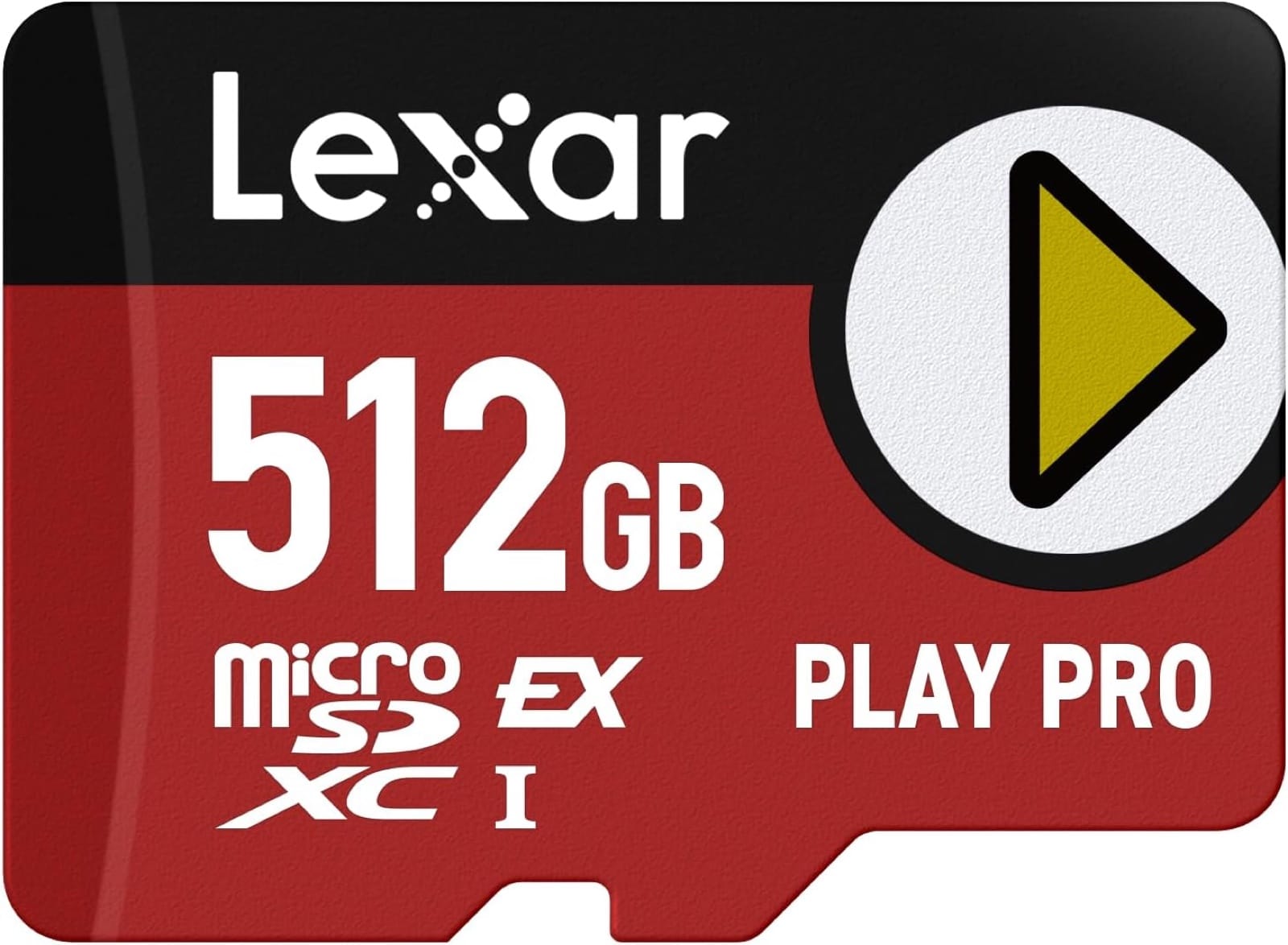
| Lexar PLAY PRO | 512GB | $184.75 | $0.36 | 900 MB/s | 600 MB/s |
| Lexar PLAY PRO | 1TB | $449.99 | $0.45 | 900 MB/s | 600 MB/s |
Spec sources: Samsung P9 Express from The SSD Review; Samsung's Switch 2 card from Samsung's datasheet; PNY from Tom's Hardware; SanDisk 1TB from Notebookcheck; Lexar from Lexar. SanDisk 256/512GB and TEAMGROUP figures are from their Amazon listings.
Does read speed matter on Switch 2?
Not much. In Engadget's Switch 2 load tests, every Express card loaded Mario Kart World in 18 to 20 seconds and Cyberpunk 2077's start screen in 38 to 39 seconds. Deku Deals found about a one-second spread between cards. Internal storage was still a little faster than every card: Cyberpunk's Jig-Jig Street save loaded in about 22.5 seconds from internal storage against 26 to 29 seconds from cards.
Where cards really differ is copying games. Engadget timed moving the Mario Kart World download (21.9GB in their test) onto each card. SanDisk took 4 minutes 39 seconds. PNY took 7 minutes 11 seconds, even though PNY has the higher rated write speed. A rated spec is a ceiling, not a promise. So:
- If you just want to play, buy the cheapest Express card per GB at the size you need.
- If you shuffle games between internal storage and the card a lot, SanDisk's consistency is worth the extra $10 or so.
Best microSD Express cards for Nintendo Switch 2, ranked
1. Samsung P9 Express: best value overall
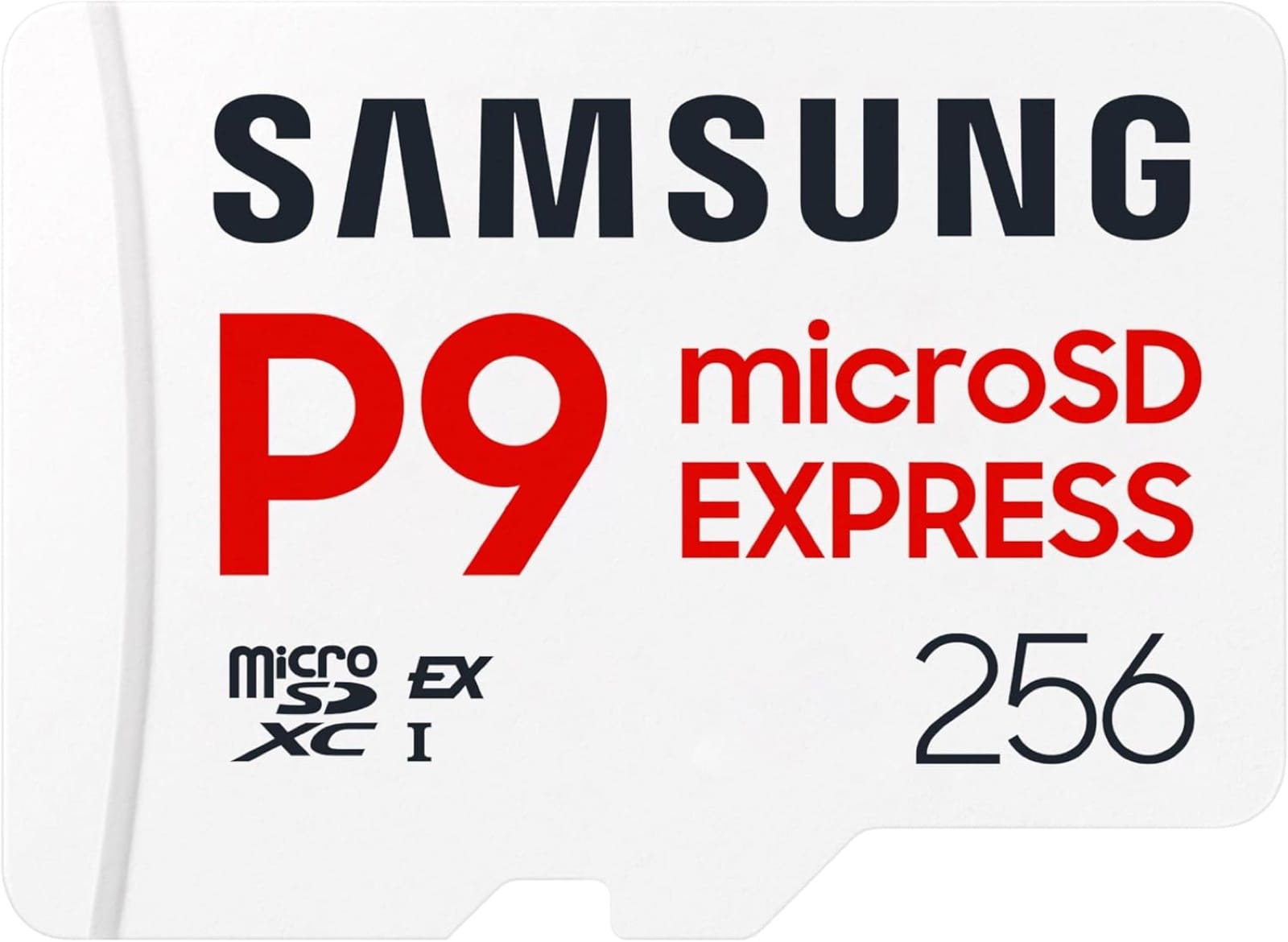
Price: 256GB for $47.99 · 512GB for $99.00 (Nov 8)
The P9 Express is the cheapest card per gigabyte that we found in stock, at about $0.19 per GB in both sizes. It's rated up to 800 MB/s read. Its 200 MB/s rated write is the lowest of the major brands, which only shows up when you copy games onto it. Load times are the same as everyone else's. Tom's Hardware picks it as the best budget 256GB card.
Buy it if: you want the most storage for the least money. The 512GB at $99 is the sweet spot for most Switch 2 owners.
2. SanDisk microSD Express: most consistent
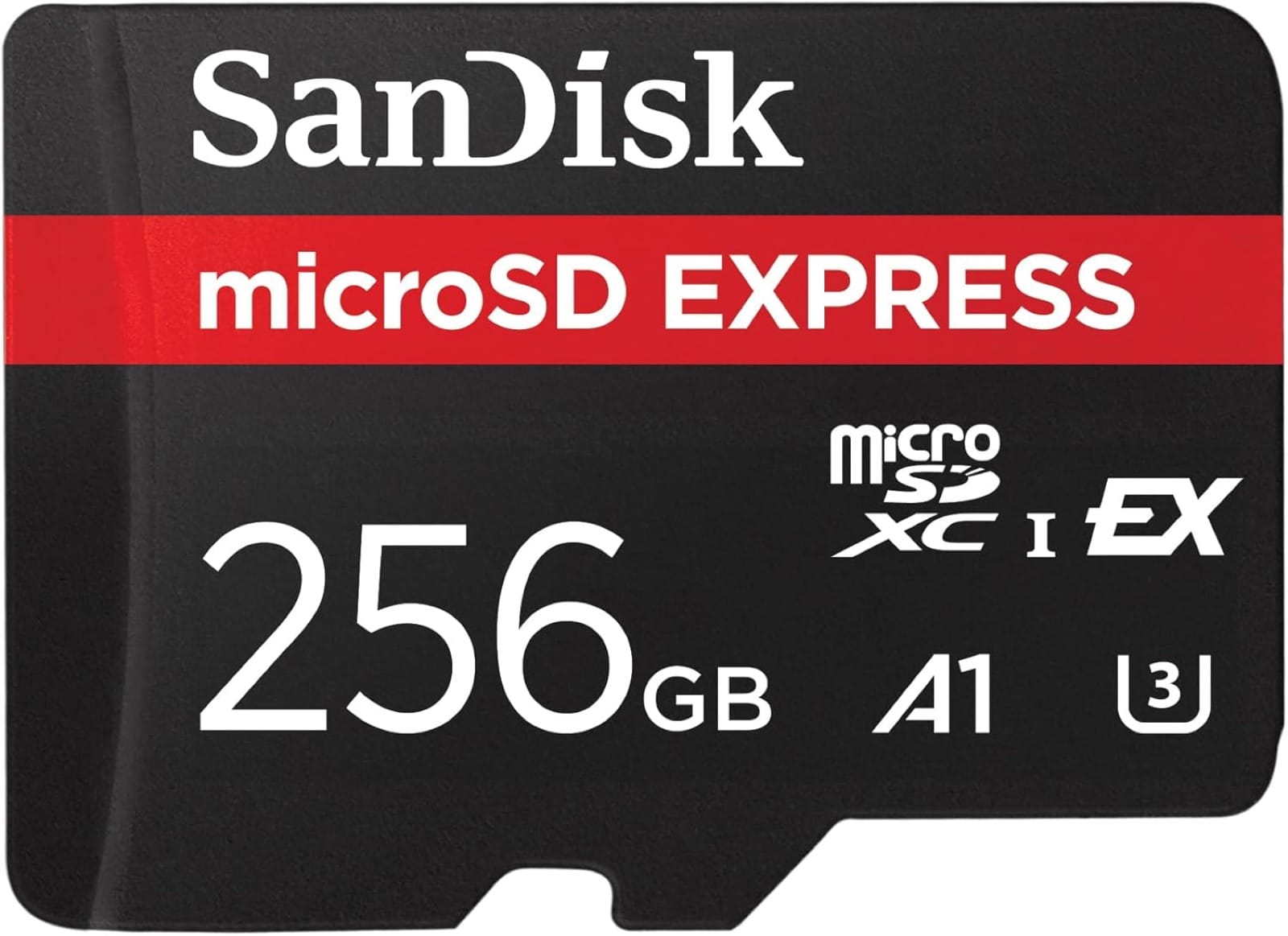
Price: 256GB for $58.99 · 512GB for $129.99 (Nov 8)
SanDisk's card is Engadget's top pick, because it had no slow outliers across any of their tests and it was the fastest at copying games onto the card. It's rated up to 880 MB/s read and 650 MB/s write. One note: SanDisk also sells a Switch 2-branded 512GB version for $159.99 (Amazon, Nov 8), $30 more for the same speed class. Get the plain one unless the branding matters to the person you're buying for.
Buy it if: you move games between internal storage and the card often and want the fewest surprises.
3. PNY microSD Express: highest rated write speed
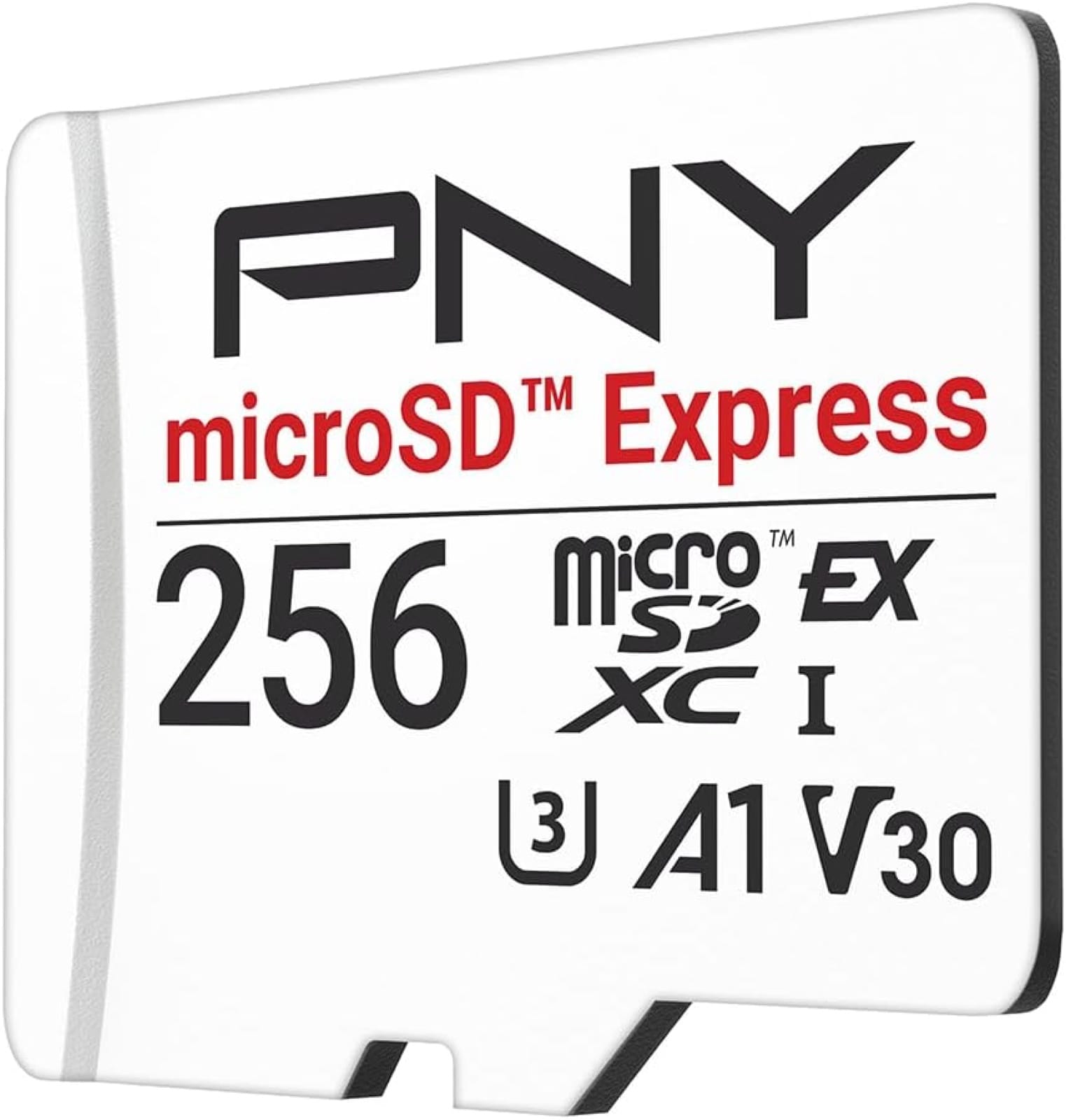
Price: 256GB for $54.99 · 512GB for $119.99 (Nov 8)
On paper PNY is the fastest card here: 890 MB/s read, plus 750 MB/s write at 256GB and 810 MB/s at 512GB, per PNY. In Engadget's real copy test it was the slowest at moving a game onto the card, yet it was the fastest at moving one back to internal storage. Game load times matched every other card.
Buy it if: it's a few dollars cheaper than SanDisk on the day you shop.
4. Samsung microSD Express Card for Nintendo Switch 2: the gift pick
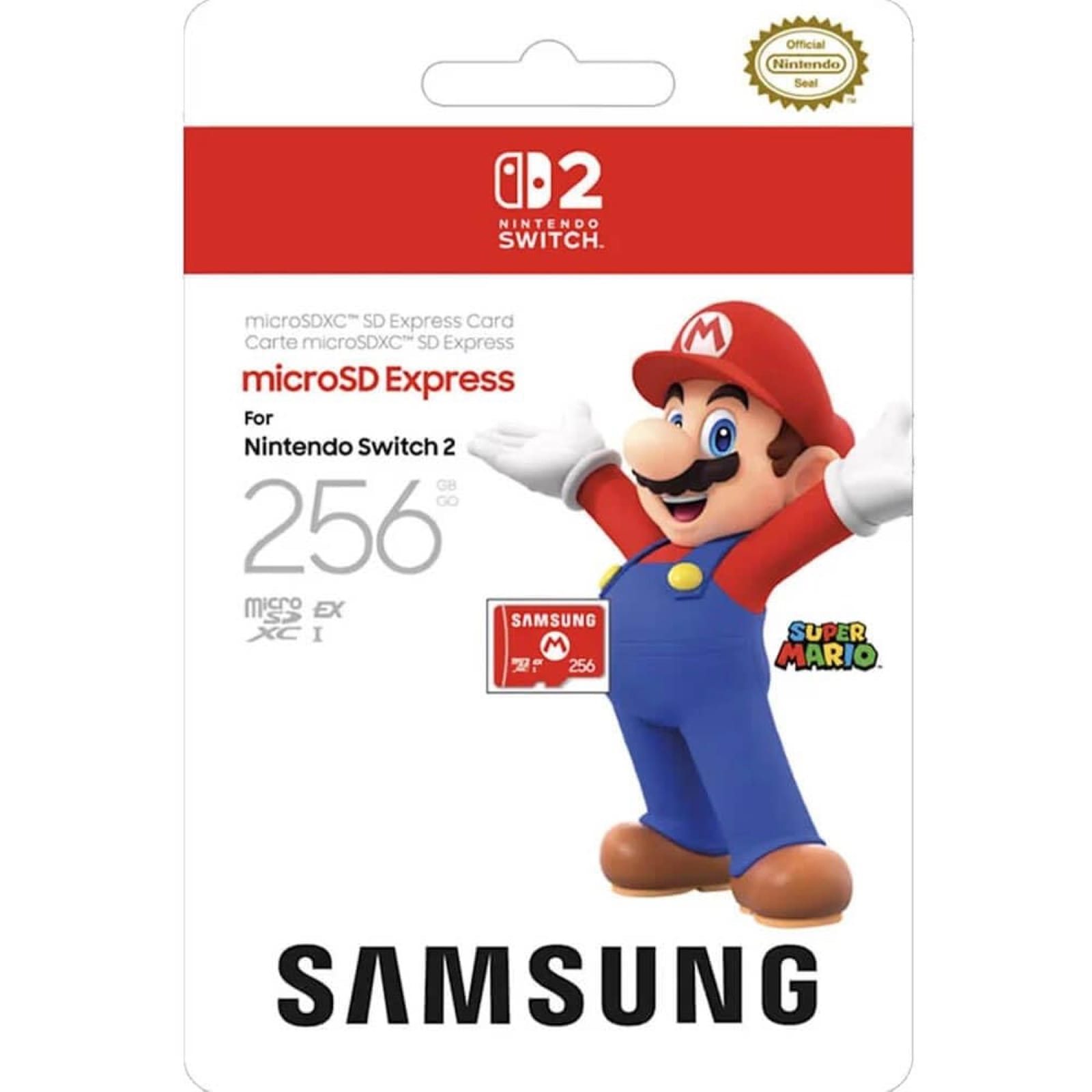
Price: 256GB for $59.00 (Nov 8)
This is Nintendo's officially licensed card, made by Samsung, with Switch 2 branding on the card and the box. It's rated up to 800 MB/s read per Samsung's datasheet. It costs about $11 more than the P9 Express at the same size.
Buy it if: it's going under a tree. Nobody wonders whether a card with Nintendo's branding on the box will work.
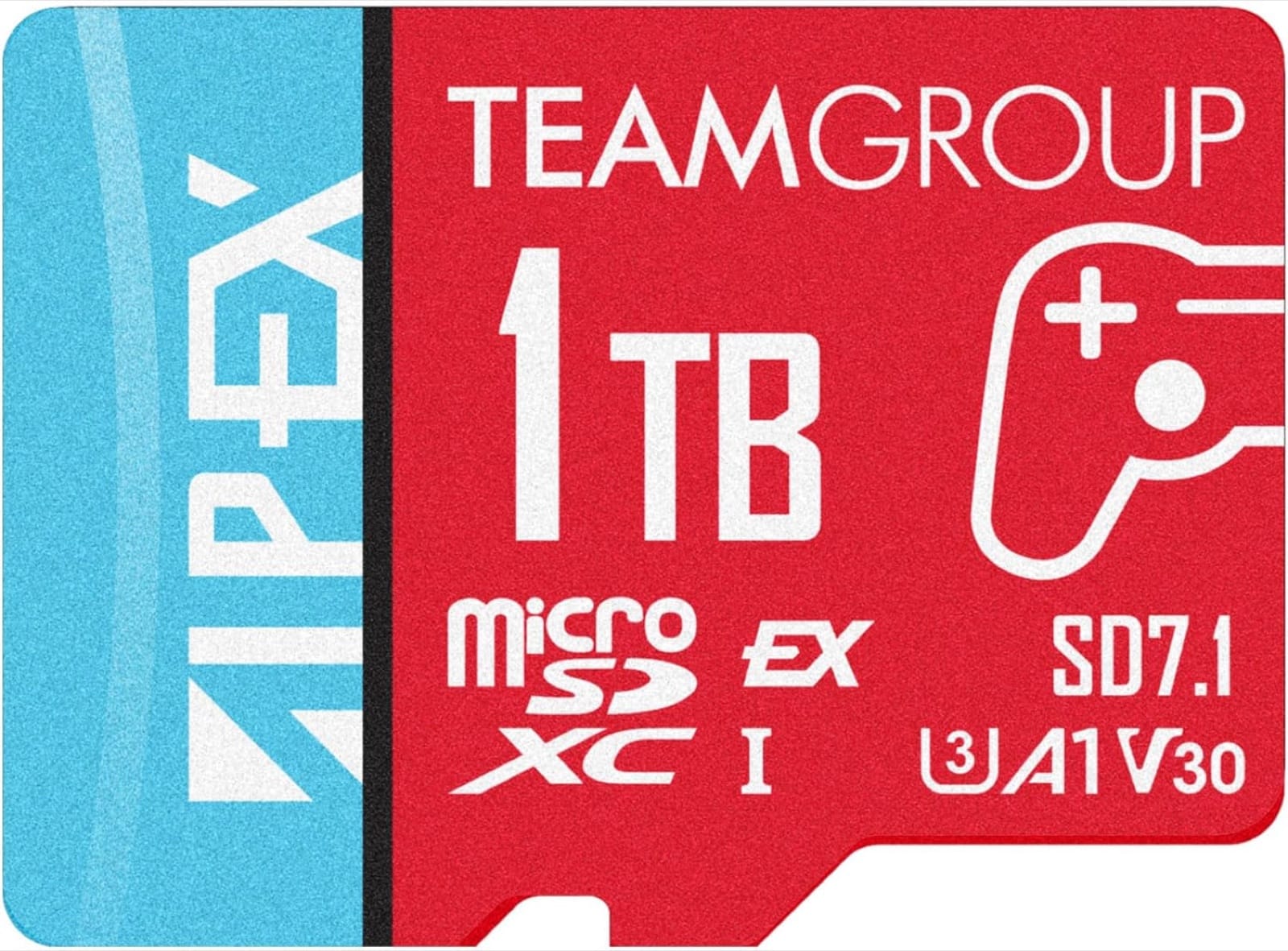
5. TEAMGROUP APEX 1TB: cheapest 1TB
Price: 1TB for $299.99 (Nov 8)
If you want one card and never want to think about storage again, this is the cheapest 1TB Express card we found in stock, at $0.30 per GB. It's rated up to 800 MB/s read and 700 MB/s write. Tom's Hardware names the APEX its best 1TB card. Per GB it costs more than the Samsung P9 Express 512GB, but Nintendo recommends using a single card, so if you know you'll fill 512GB, buy the 1TB now instead of adding a second card later.
Buy it if: you buy everything digital and hate deleting games.
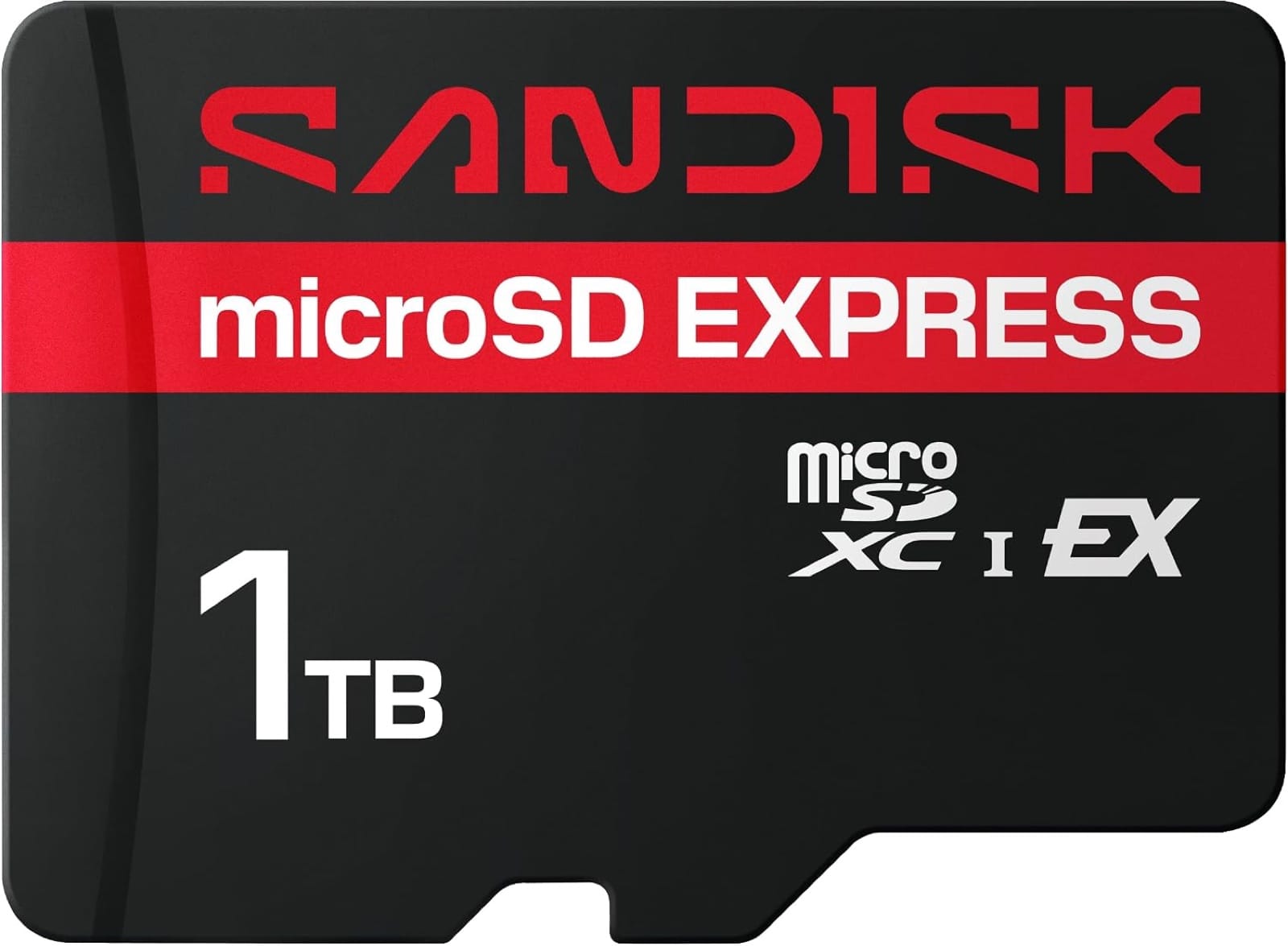
6. SanDisk microSD Express 1TB: premium 1TB
Price: 1TB for $349.99 (Nov 8)
SanDisk's newer 1TB card raises the rated write speed to 800 MB/s, and sustained writes are rated not to drop below 745 MB/s, per Notebookcheck. It costs $50 more than the TEAMGROUP and still $100 less than Lexar's 1TB PLAY PRO, which was $449.99 on Nov 8.
Buy it if: you want 1TB and SanDisk's track record from the 256 and 512GB cards.
Which microSD cards should you skip?
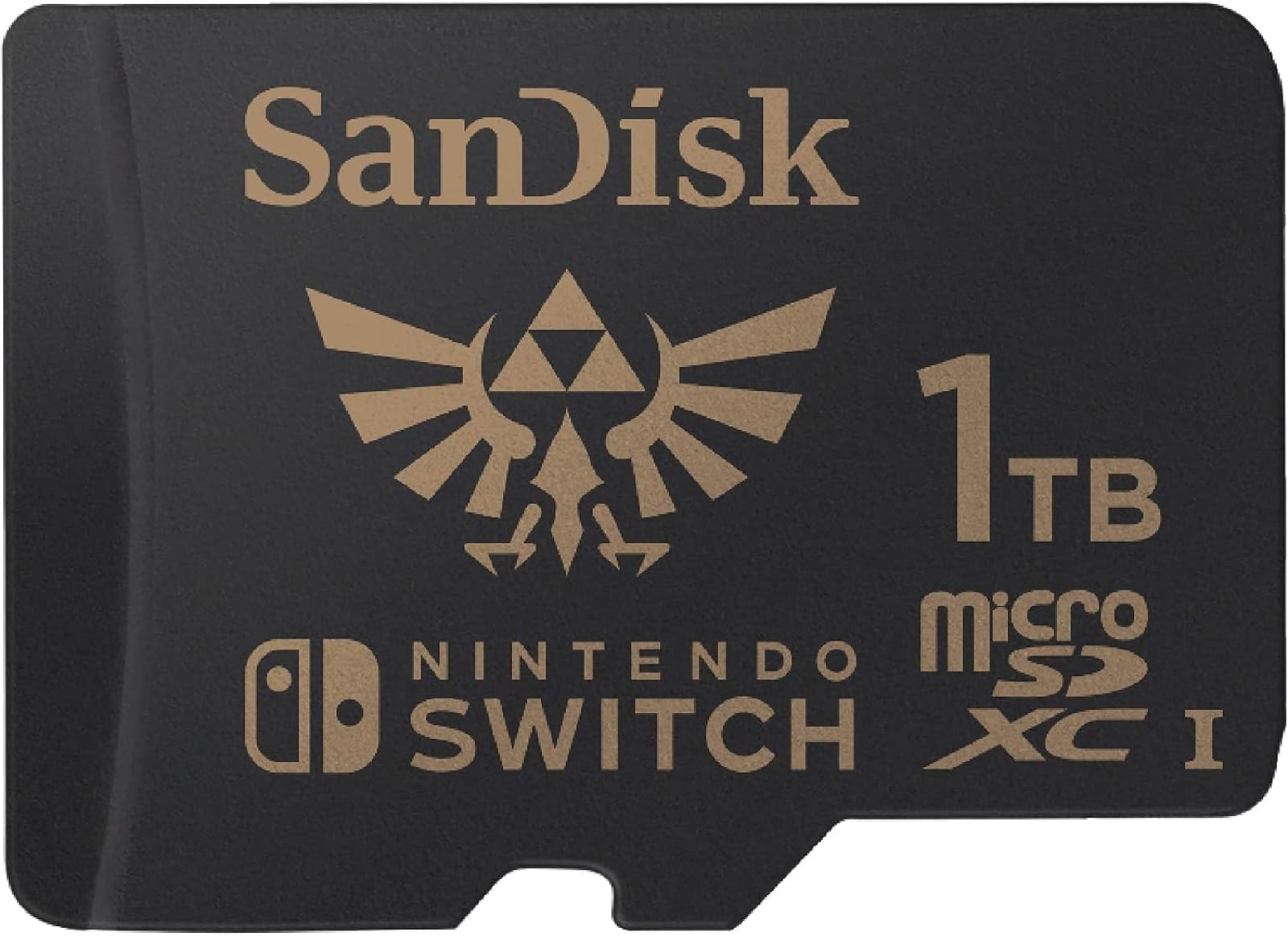
- Any card without "Express" on it. That includes the SanDisk Legend of Zelda Edition 1TB, which is a standard card for the original Switch.
- The Lexar PLAY PRO at today's prices. It's a good card, but at $0.36 to $0.45 per GB it costs about twice as much as Samsung for the same load times.
- 128GB Express cards. Deku Deals notes that 256GB cards often cost the same or less, and Engadget found the SanDisk 128GB has slower sustained writes.
Switch 2 microSD Express FAQ
Can I use my old Switch microSD card in the Switch 2?
Only to import screenshots and videos. It can't store or run Switch 2 games, per Nintendo.
What's the biggest microSD Express card the Switch 2 supports?
Up to 2TB, according to Nintendo. The biggest cards we found in stock on Amazon US on Nov 8 were 1TB.
Do games run slower from a microSD Express card?
Slightly. Engadget measured a few seconds' difference on long loads, such as Cyberpunk 2077's Jig-Jig Street save: about 22.5 seconds from internal storage against 26 to 29 seconds from a card. Gameplay itself was unaffected.
Will microSD Express cards be cheaper on Black Friday?
Often, yes. Samsung's 256GB P9 Express has been as low as $31.50 in past Amazon deals, per Slickdeals. We'll update every price on this page on November 27.
Verdict
Buy the Samsung P9 Express 512GB for $99. It's the cheapest Express card per GB, loads games as fast as cards that cost more, and roughly triples a Switch 2's space. Go 256GB if you mostly buy cartridges, and pick SanDisk if you copy games around a lot.
Now fill it with something good. Our best JRPGs of all time list is a good place to start. If you're also expanding a PS5 for GTA 6, see our PS5 storage guide for GTA 6.
Geeky Inc may earn a commission when you buy through links on this page. Prices were checked on Amazon US on November 8, 2026 and can change. Console and game images: Nintendo. Product images: the manufacturers.
Want the next buyer guide in your inbox? Sign up for the Geeky Inc newsletter. It's free.
Geeky Inc Minis
Tiny dragons, kitsune and golems for your shelf.
Multi-color 3D-printed minis, printed, finished and shipped by us. $2.50 each, or 12 for $23.
Browse the minis →


Member discussion